Instantly check, download, and print duplicate electricity and gas bills in Pakistan. Online Bill Check for MEPCO, LESCO, FESCO, IESCO, GEPCO, PESCO, HESCO, SEPCO, QESCO, TESCO, SNGPL, and SSGC by entering your 14 Digit reference or consumer number.
Distribution companies
Check Any DISCO Bills in Pakistan
Select your electricity company to open its bill checker, tariff slabs, and local details.







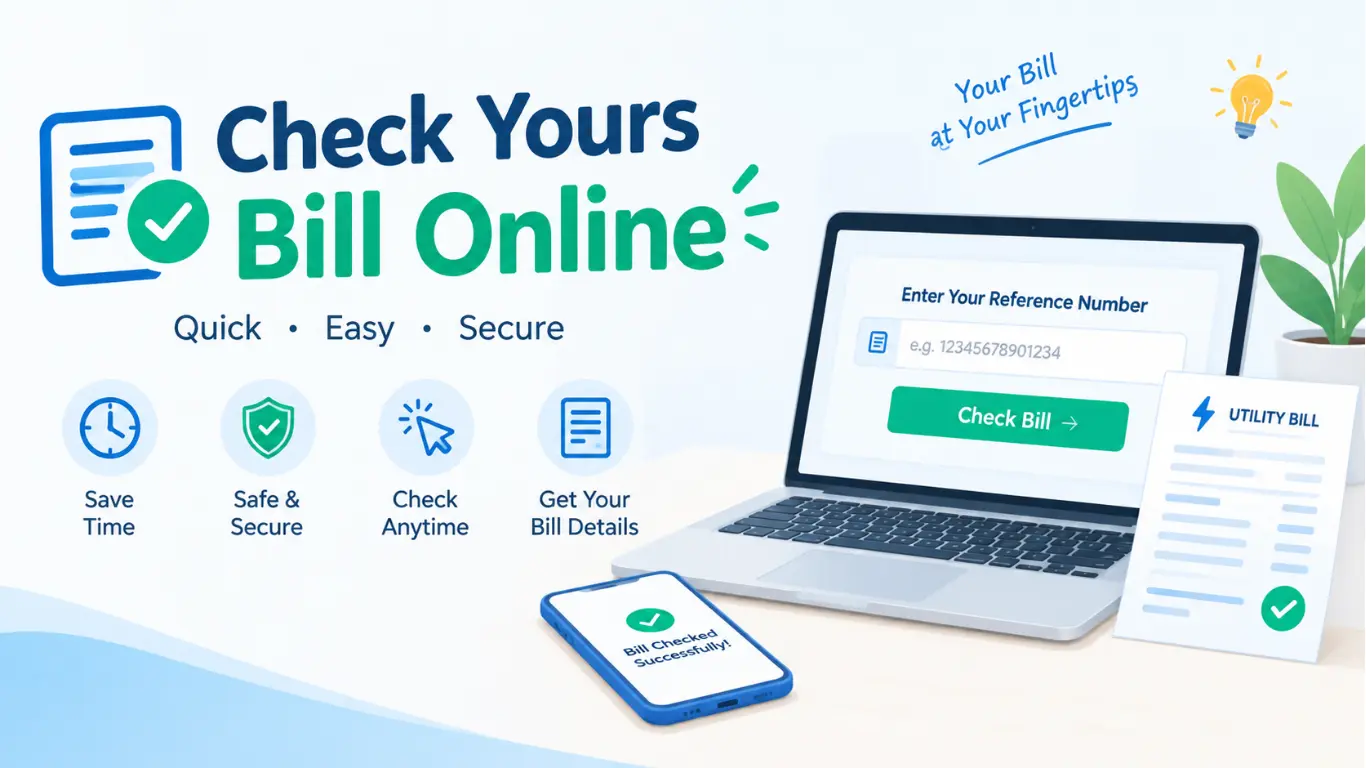
Check Your Bill by Reference Number
Your electricity bill has a 14-digit reference number at the top-left corner. You can use this number to check your latest bill or print a duplicate copy. The reference number usually stays the same every month, so save it once and use it whenever you need to check your bill.
- 1. Find your reference number: Check the top-left corner of any previous bill and find the 14-digit number.
- 2. Enter the number: Type the reference number into the bill checker and click Check Bill.
- 3. View your bill: You can see the bill amount, due date, units used, and billing month.
- 4. Download or print: Save the bill as a PDF or print a copy for your records.
Why Choose Our Service
All Your Bills in One Place
Quick Results Every Time
Enter your 14-digit reference number to check the bill amount, due date, and units without any waiting or installing an app.
Print or Download Your Bill
Download a copy of your bill for your records or print it and take it to the bank for payment.
Works on Every Mobile
The bill checker is mobile-friendly, so it works smoothly on basic Android phones, tablets, and computers.
One Place for All 11 DISCOs
Check your LESCO, MEPCO, FESCO, IESCO, GEPCO, PESCO, HESCO, SEPCO, QESCO, TESCO, and HAZECO bills all in one place.
Four simple steps to your bill
Select Your Billing Company
Select your electricity company, such as LESCO, MEPCO, FESCO, or any other DISCO.
Enter 14 Digit Reference Number
Enter your reference number printed in the top-left corner of Your Bill
Check Bill Details
Check the bill amount, due date, and units within seconds.
Print or Download
Save your bill as a PDF or pay it before the due date to avoid extra charges.
Benefit to Use Our Services
Save Time and Skip Late Fees
1:No Need to Visit the Office
View your bill from home instead of waiting at the DISCO customer services centre.
2:Never Forget Your Bill Due Date
Check your due date instantly and avoid the 10% late payment surcharge.
3:Check Your Electricity Usage
Monitor your monthly usage to spot increases early and reduce consumption before moving to the next slab.
4:Keep Your Bill Records
Print any previous bill using the same reference number, even if you’ve lost the original copy.
How to Pay Your Bill Online
You can pay your electricity bill easily through several online and offline options. Here are the most common methods:
- Mobile Banking Apps: Open your bank’s mobile app, select Bill Payment, choose electricity, enter your reference number, and confirm the payment.
- JazzCash: Open the JazzCash app, select Bill Payment → Electricity, choose your electricity provider, enter your reference number, and pay securely.
- Easypaisa: Open Easypaisa, go to Bill Payments, select electricity, enter your bill details, and confirm the payment.
- ATM: Insert your ATM card, select Bill Payment, choose the electricity company, enter your reference number, and complete the payment.
- Internet Banking: Log in to your bank’s online banking service, select Utility Bill Payment, enter your bill information, and make the payment.
- Bank Branch: Visit your nearest bank branch with your electricity bill and pay the amount at the counter.
- One-Link / Other Payment Apps: Some supported payment apps and digital wallets also allow electricity bill payments. Select your provider and enter the required bill information.
Tip: Always save the payment receipt or transaction ID after paying your bill for future reference.
What Detail Mention on Your Electricity Bill?
Your electricity bill contains several important details that help you understand your electricity usage, charges, and payment status. The main information usually includes:
- Reference Number: A unique number used to check and pay your electricity bill online.
- Consumer Name: The name of the person registered for the electricity connection.
- Billing Month: Shows the month for which the bill has been issued.
- Meter Number: The identification number of your electricity meter.
- Previous & Current Reading: Shows your meter readings and helps calculate your electricity consumption.
- Units Consumed: Displays the total electricity units used during the billing period.
- Electricity Charges: The basic cost of the electricity you have consumed.
- Taxes & Government Charges: Includes applicable taxes, duties, and other official charges.
- FPA / Other Adjustments: Any applicable fuel price adjustments or additional billing adjustments may also appear.
- Total Bill Amount: The final amount you need to pay.
- Due Date: Shows the last date to pay the bill without a late payment surcharge.
- Late Payment Surcharge: An additional amount that may be added if the bill is paid after the due date.
Taxes Add on Your Electricity Bill
GST (General Sales Tax)
GST is a government tax added to your electricity bill. The amount depends on the applicable tax rules.
Electricity Duty
Electricity Duty is a provincial government charge based on your electricity consumption.
TV Fee
TV Fee is a small fixed amount added to the electricity bill to support the state television service.
N.J. Surcharge
N.J. Surcharge is an additional charge included in the electricity tariff under applicable government rules.
GST on FPA
When Fuel Price Adjustment (FPA) is included in your bill, GST may also be charged on the FPA amount.
Other Government Charges
Your bill may also include other taxes, duties, or surcharges depending on your connection type and current government rules.
Common FAQ,s
What is a 14-digit reference number?
It is the unique number printed on your electricity bill. You can use it to check your bill online.
How can I check my electricity bill online?
Select your DISCO, enter your 14-digit reference number, and click the check button.
Which electricity companies are supported?
You can check bills from major DISCOs including LESCO, MEPCO, FESCO, IESCO, GEPCO, PESCO, HESCO, SEPCO, QESCO, TESCO, and HAZECO.
Is online electricity bill checking free?
Yes, checking your electricity bill online is free. You only need your reference number.
Can I check my bill without an account?
Yes, you can check your bill without creating an account or logging in.
Can I download my electricity bill?
Yes, you can save or print a copy of your bill after checking it.
What if my electricity bill is not found?
Check your reference number carefully and try again. If the problem continues, contact your electricity company.
How can I get a duplicate electricity bill?
Enter your reference number and check your bill online. You can then download or print a duplicate copy.
Can I pay my electricity bill online?
Yes, electricity bills can be paid through supported online banking and digital payment services.
Why is my electricity bill higher this month?
A higher bill may be caused by increased electricity usage, additional charges, taxes, or adjustments. Check your bill details for a breakdown.
What is a protected electricity consumer?
A protected consumer is a household that stays under 200 units a month for six consecutive months.
What details can I see on my electricity bill?
You can usually see the bill amount, due date, units consumed, billing month, and other billing details.